Server room inspection checklist
This is a weekly check of one server room: are the temperature and humidity in range, is the cooling running, and are the UPS and power normal? Print the checklist below, or use the same template on a phone in MintCheck.
Server room check
WeeklyTemperature, humidity and power
- Site and location
- Date
- Checked by
| Item | Result |
|---|---|
| Temperature & humidity | NormalCautionCritical |
| HVAC/precision cooling running | |
| UPS / power normal | |
| Notes | |
| Overall result | NormalAbnormal |
Template from MintCheck · mintcheck.today
How to do each check
Temperature and humidity
Read the room's thermometer and humidity display, and compare them with the ranges your IT team sets. Write those ranges on the checklist, so that everyone judges them the same way. The limits your equipment's makers give come first. A widely used guideline from ASHRAE recommends 18–27 °C (64–81 °F) for most IT equipment.
- Normal: both are within your ranges.
- Caution: one is close to its limit, or has moved a lot since the last check.
- Critical: one is outside its range.
Cooling running
The cooling unit is on, air is flowing, and it shows no alarm. Look for water on the floor or around the unit, and for boxes blocking the airflow.
UPS and power
The UPS shows normal, is running on mains power rather than battery, and has no alarm or low battery warning. Power indicators on the racks show what they normally show.
Notes
Write down anything else, such as the readings, unusual noise or smell, a door left unlocked, or things stored in the room.
How often to check
This template is set to weekly, and many teams look more often if the room holds equipment they can't afford to lose. Your company's IT and security rules may also say how often to check and what to record, so check them.
Servicing the cooling and the UPS is for qualified technicians.
If something is wrong
- Mark it on the checklist and describe the problem. A photo helps.
- If the temperature is critical or the cooling has stopped, call your IT team right away, because equipment can shut down or be damaged.
- If you see water or smell burning, stay clear of the equipment and call your IT team and service company. Don't open the UPS or touch wiring yourself.
- Check it again after the fix and record the result.
Use this checklist in MintCheck
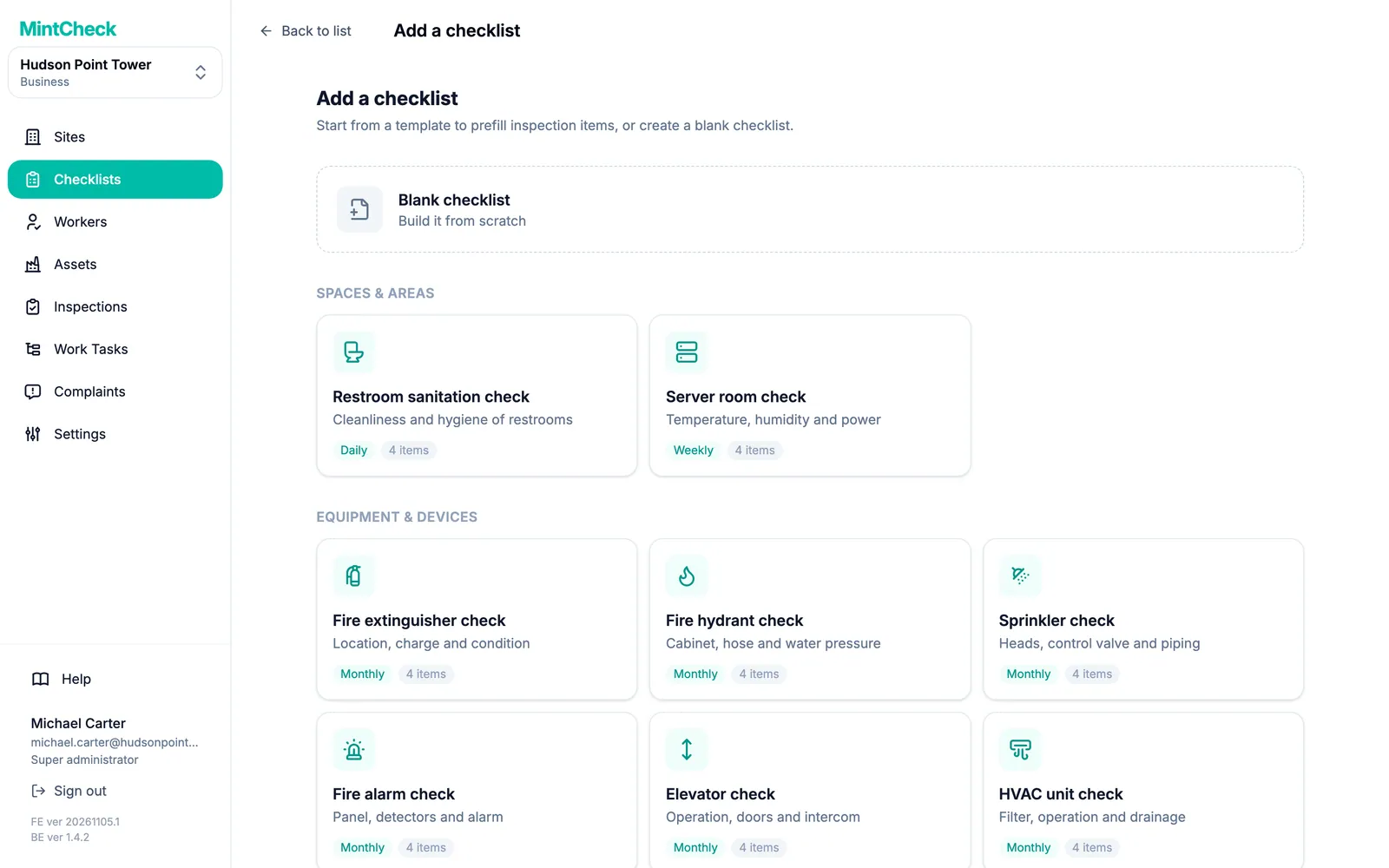
- In Checklists, click Add checklist and pick the server room template. Its items and weekly schedule are filled in, and you can change them before you save.
- In Assets, click Add asset, pick the server room template and link the checklist.
- Click Print QR and put a label by the door, inside or outside the room.
- Workers scan the label, answer the items and mark the result Normal or Abnormal. They can attach photos.
An Abnormal result stays Unresolved until a re-inspection confirms the fix, and the site dashboard shows completed inspections against the planned number.
A server room often needs a record of who went in as well. In Checklists, add the entry/exit log template from the Logbooks category and link it to the same asset. It has no schedule, so workers fill it in each time they enter. Keep Public logbook access on Registered workers only, and the same QR code then opens both.
MintCheck is free for up to 5 assets with no credit card, so you can try this with your server room and a few other assets.
Common questions
What temperature should a server room be?
Follow your equipment makers' limits and the ranges your IT team sets. A widely used guideline from ASHRAE recommends 18–27 °C (64–81 °F) for most IT equipment.
How often should a server room be checked?
This template uses a weekly check as a starting point. Your company's IT and security rules may ask for more.
Can I record temperature readings?
Yes. On paper, write them under notes. In MintCheck, add a text item for each reading, or use the temperature log template if you take readings at different times.
Can I record who enters the server room?
Yes. In MintCheck, link the entry/exit log template to the same asset. Each entry records the direction, the name, the affiliation or contact, and the purpose. See Logbooks.
Who can do this check?
Anyone allowed into the room can usually do it once they have been shown how, because it only needs reading displays and looking around. Work on the equipment is for your IT team and qualified technicians.
Related features
- ChecklistsBuild inspection checklists from ready-made templates, with check, multiple choice, text and photo items, and schedule them daily, weekly, monthly or yearly.
- LogbooksReplace paper logbooks. Workers or visitors scan a QR code to add an entry anytime: entry and exit, vehicle, key, temperature or patrol logs.