Digital logbooks
Some records don't follow a schedule: a visitor comes in, a vehicle leaves, a key is handed out, a fridge temperature is read. A MintCheck logbook is a checklist with no schedule that can be filled in as many times as needed. Registered workers fill it in by scanning the asset's QR code, and if you allow it, anyone can fill it in through a public logbook QR code without signing in.
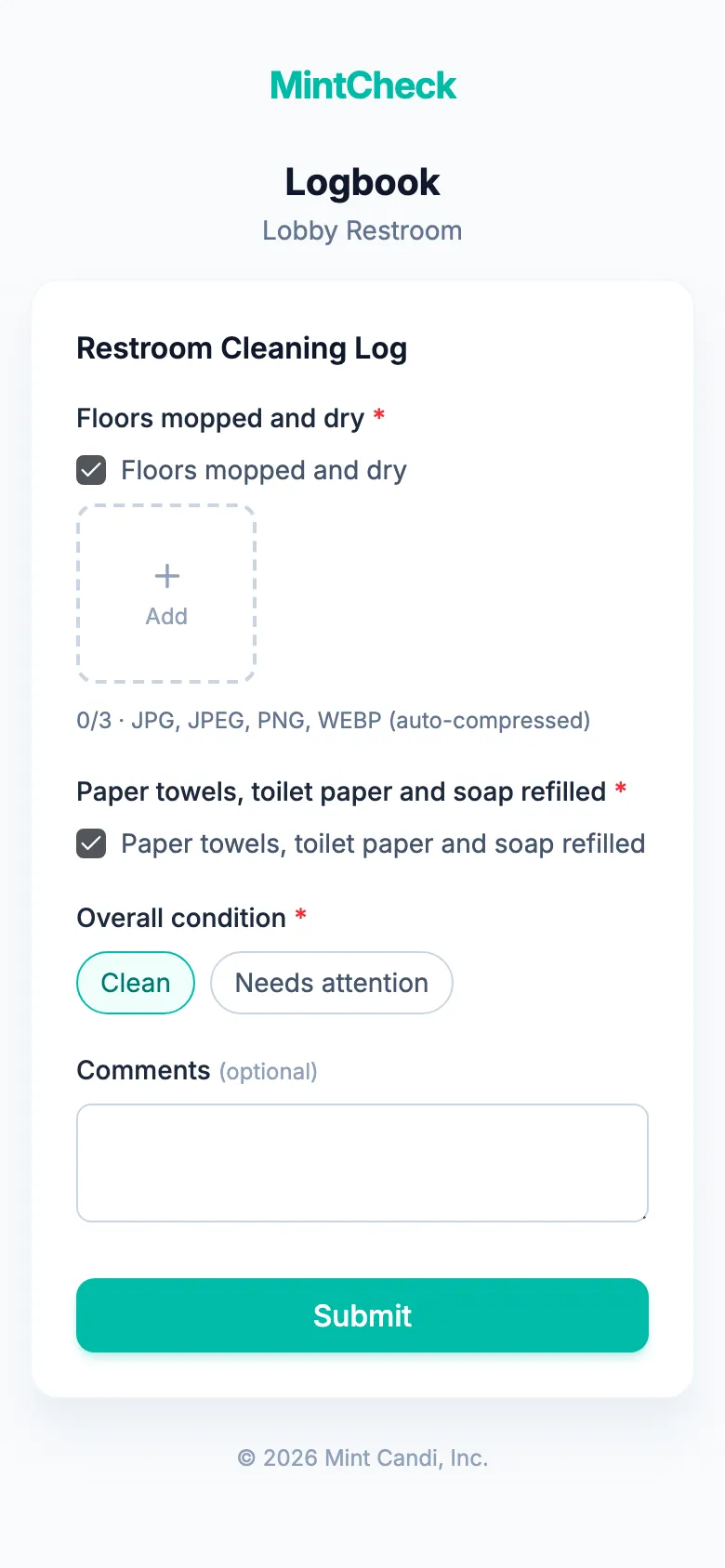
How it works
- 1
Pick a logbook template
Start from an entry and exit, cleaning, temperature, patrol, key or vehicle log, or turn any checklist into a logbook.
- 2
Link it and put up the QR code
Link the logbook to an asset such as the main entrance. To let visitors or drivers add entries too, turn on public entry and print the public logbook QR code.
- 3
Review the entries
Entries are saved right away. They appear on the asset's page and in the inspection records with a Logbook badge, and you can export them to Excel.
Good to know
- As many entries as needed, with no schedule and no missed time slots.
- Public entries need no sign-in and are recorded as Anonymous.
- The public logbook QR code shows only logbook checklists, never your other checklists or tasks.
- Logbook entries are not counted as scheduled inspections.
Questions
Can visitors add entries without an account?
Yes, if you turn on public entry for the asset. Anyone who scans the public logbook QR code fills in the items and submits, with no sign-in. Their entries are shown as Anonymous.
How is a logbook different from a scheduled checklist?
A scheduled checklist is due on set days and times and is counted on the dashboard. A logbook has no schedule, can be filled in as often as needed, and is not counted as a scheduled inspection.
Where do I see the entries?
On the asset's detail page, newest first, and in the inspection records with a Logbook badge, where you can also export them to Excel.
Learn more in the help center
- Logbooks and public entriesRecord entries anytime with logbook checklists, and let anyone fill them by scanning a public QR.
- ChecklistsCreate checklists from templates, add items, set schedules, link them to assets, and manage them.
- Inspection recordsReview completed inspections by day or period, check reported problems, and export records to Excel.