HVAC inspection checklist
This is a monthly check of one HVAC unit: is the filter clean, does it heat or cool as it should, and is water draining properly? Print the checklist below, or use the same template on a phone in MintCheck.
HVAC unit check
MonthlyFilter, operation and drainage
- Site and location
- Date
- Checked by
| Item | Result |
|---|---|
| Filter cleanliness/replacement | |
| Heating/cooling operation | NormalReduced efficiencyNot working |
| Drainage / condensate | |
| Notes | |
| Overall result | NormalAbnormal |
Template from MintCheck · mintcheck.today
How to do each check
Filter condition
Turn the unit off before you open the filter cover. Take out the filter and look at it. If it is dirty or clogged, clean or replace it as the maker's instructions say, and write down that you did.
Heating and cooling operation
Run the unit in the mode for the season and feel the air at the outlet.
- Normal: the airflow is strong and the room reaches the set temperature in the usual time.
- Reduced efficiency: it runs, but the airflow is weak or the room takes longer to reach the set temperature.
- Not working: it doesn't heat or cool.
Drainage and condensate
Look around the unit and its drain pipe for water stains, drips, an overflowing drain pan or a musty smell.
Notes
Write down anything else, such as unusual noise, vibration, a smell or ice on the pipes.
How often to check
This template is set to monthly, and many teams look more often in the seasons when units work hardest. How often a filter needs changing depends on the filter type, how dusty the space is and how much the unit runs, so follow the maker's instructions. Some countries also have rules for larger systems and refrigerants, so check the rules that apply to you.
Servicing and refrigerant work are for qualified technicians.
If something is wrong
- Mark it on the checklist and describe the problem. A photo helps.
- If it is only a dirty filter, clean or replace it and record that you did.
- For anything else, tell the person responsible and call a technician.
- Check it again after the fix and record the result.
Use this checklist in MintCheck
- In Checklists, click Add checklist and pick the HVAC unit template. Its items and monthly schedule are filled in, and you can change them before you save.
- In Assets, click Add asset, pick the HVAC unit template and link the checklist. One checklist can serve every unit in the building.
- Click Print QR and put a label on or next to each unit, somewhere you can reach to scan it.
- Workers scan the label, answer the items and mark the result Normal or Abnormal. They can attach photos.
An Abnormal result stays Unresolved until a re-inspection confirms the fix, and the site dashboard shows completed inspections against the planned number.
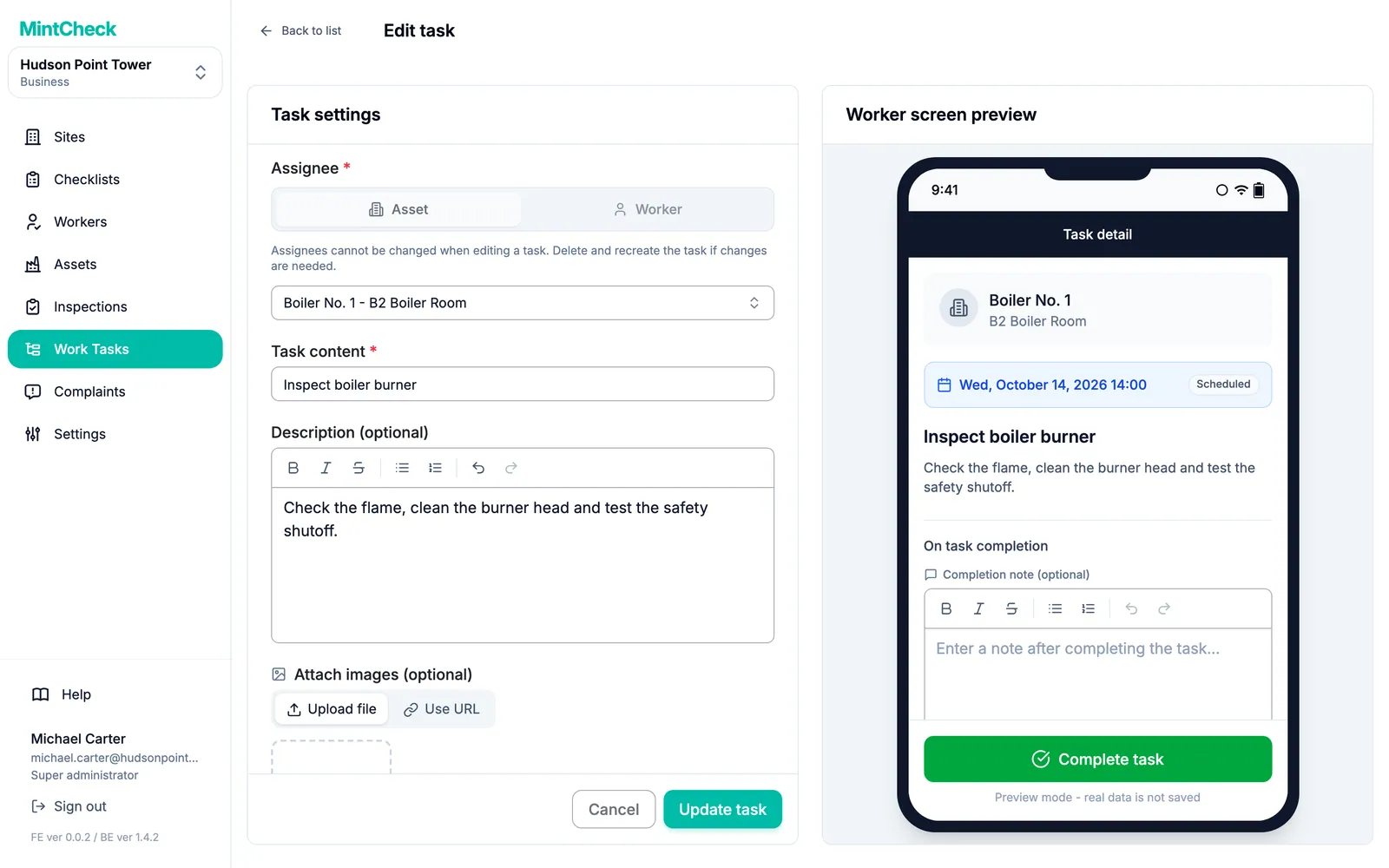
When the fix is a separate job, create a work task such as "Replace the filter in air handler 2". If you assign it to the asset, any worker who scans that unit sees the task and can complete it with a note and photos.
MintCheck is free for up to 5 assets with no credit card, so you can try this with a few units.
Common questions
How often should HVAC filters be replaced?
It depends on the filter type, how dusty the space is and how much the unit runs. Follow the maker's instructions, and use a monthly check like this one to see how quickly your filters get dirty.
Does this checklist replace professional HVAC servicing?
No. It is a routine visual check and a starting point, not a statement of compliance. Servicing and refrigerant work are for qualified technicians.
Who can do this check?
Someone on site can usually do it once they have been shown how to turn the unit off and open the filter cover. Your local rules may say who can do what on larger systems.
Can I use one checklist for all our units?
Yes. In MintCheck, one checklist can be linked to many assets, and each unit keeps its own QR code and its own records.
Can I assign a filter replacement to someone?
Yes. In MintCheck, create a work task for the unit, and any worker who scans its QR code sees it. See Work tasks for the other ways to assign a task.
Related features
- ChecklistsBuild inspection checklists from ready-made templates, with check, multiple choice, text and photo items, and schedule them daily, weekly, monthly or yearly.
- Work tasksCreate one-off jobs such as repairs, assign them to an asset, a worker or a work tag, and track them until done. Workers are notified in the MintCheck app.